> For the complete documentation index, see [llms.txt](https://valuevaults.gitbook.io/value-docs/llms.txt). Markdown versions of documentation pages are available by appending `.md` to page URLs; this page is available as [Markdown](https://valuevaults.gitbook.io/value-docs/guides/investor-account.md).
# Investor Account
### **Section 1: Portfolio**
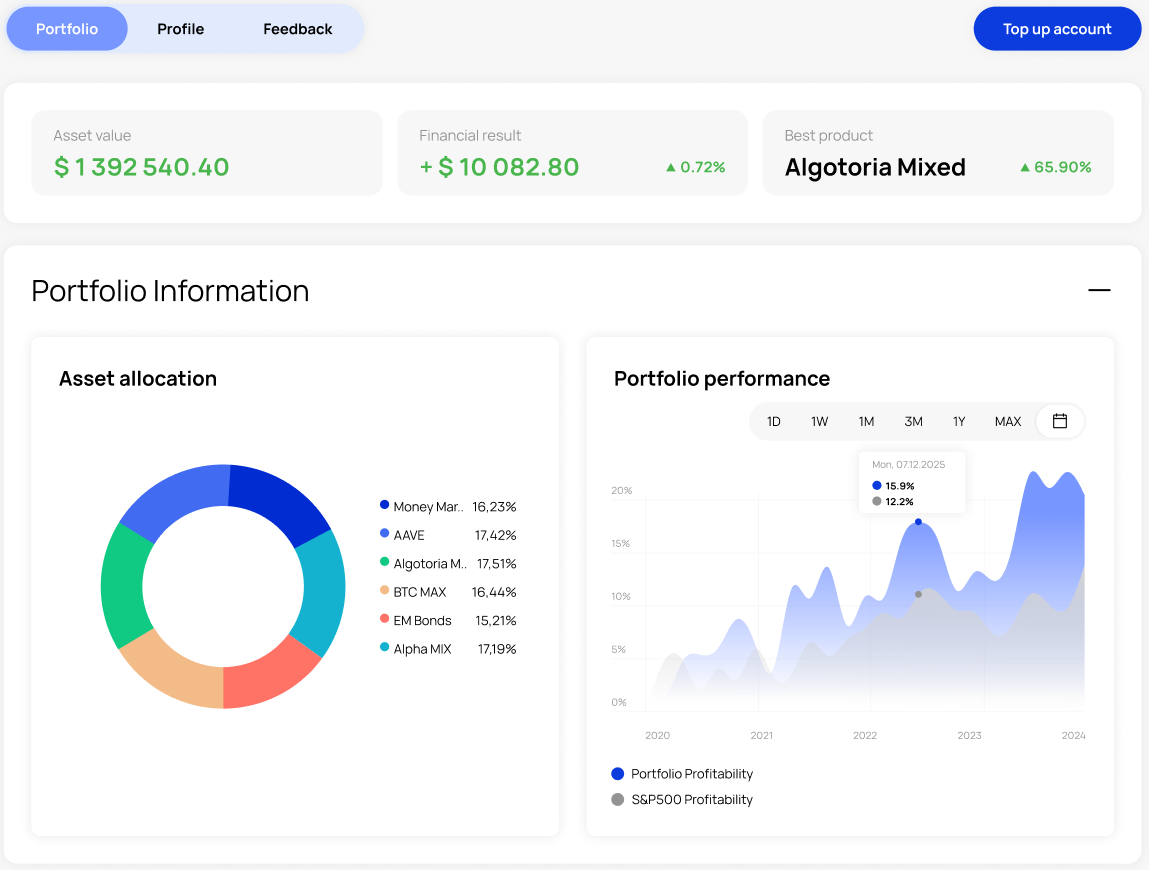
In this section, you will find up-to-date information about your investment portfolio. It shows the total amount of your assets and how they are distributed across different investment strategies
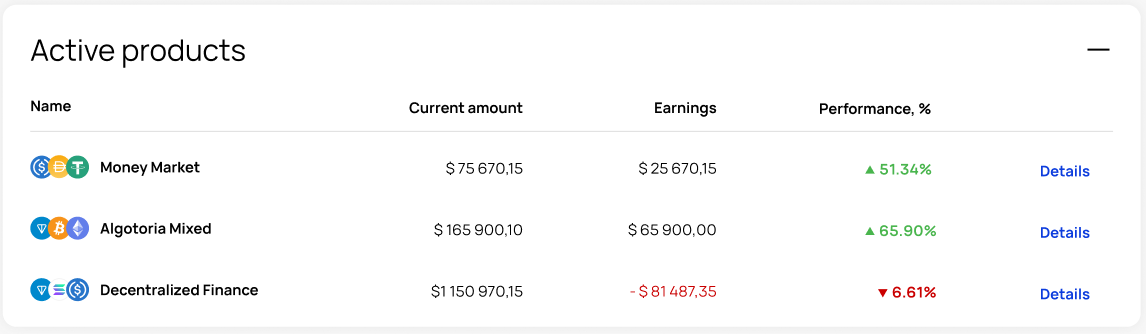
You can also see profitability indicators for each strategy. If you click on **«Details»** button, a detailed description of the structure of your strategy's portfolio opens up. This includes information about which financial instruments your assets are invested in, how they are divided between instruments, currencies, sectors, protocols, and more
You can use this section to transfer funds between strategies or withdraw assets from your current strategy. You can also view here transaction history, detailed profitability data, and send support requests
### **Section 2: Profile**
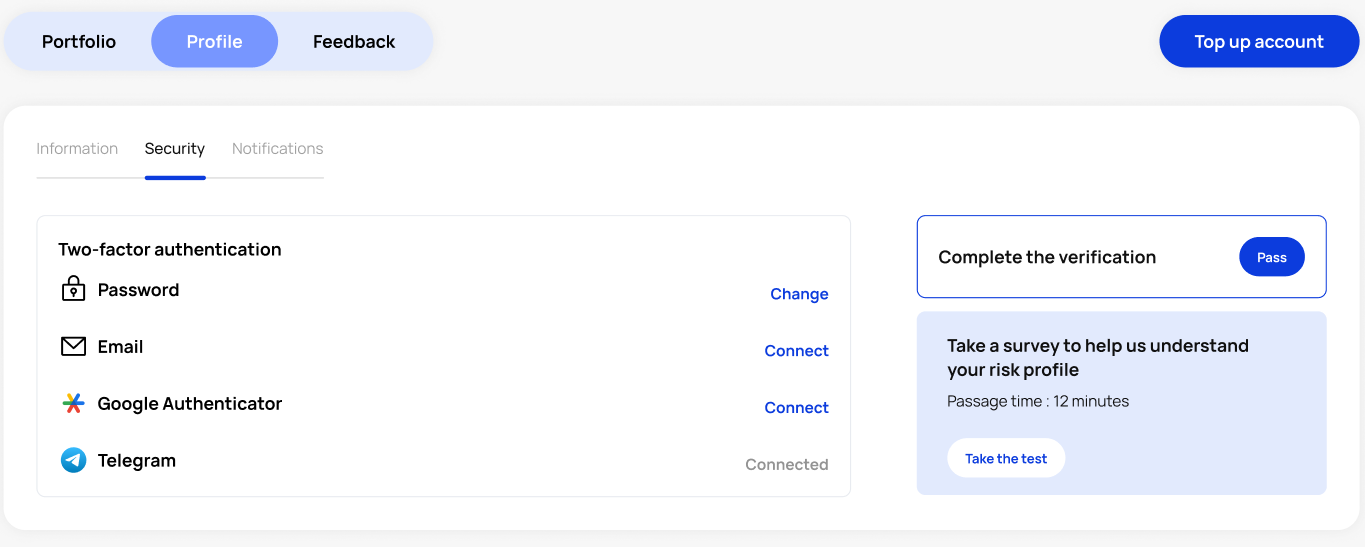
The profile section is divided into three subsections: **Information**, **Security**, and **Notifications**. Here, you can complete the verification process and fill out a risk profile questionnaire. You can also enable two-factor authentication in the Security section